

It’s 2026, and WordPress continues to woo businesses for their website development. Powering over 42.8% of websites globally, and commanding nearly 62% share of the CMS market, WordPress is still the top choice for website development, outpacing Shopify and Wix. And since you’ve landed on this page, it’s a sign that you, too are, considering this CMS as your option.
Well, you’re certainly making the right choice. With the level of flexibility and customization, strong security features, scalability, SEO advantages, and now AI compatibility, WordPress is still competitive for business websites. And the ease of development that this platform offers makes it super-comfortable to work with.
But here’s the catch: WordPress development does cost you a fee, despite being an open-source platform. And there are several reasons behind this; we’ll discuss them in the sections ahead. So, if you’re deciding to design your next or even your first business website in WordPress, get your website design budget accurate using our detailed guide on WordPress website design cost.
Key Takeaways
- WordPress is free, but not free in practice.
- Website type and complexity are major factors driving the design cost.
- Hiring choices - DIY, Freelancer, or Agency- impacts budget.
- Common overlooked expenses like scope creep, revisions, and ongoing maintenance need to be carefully considered while planning the budget.
- Websites require ongoing maintenance, performance tuning, security monitoring, and backups for better performance.
How Much Does a Website Design Cost in 2026?
While WordPress is free, the actual cost of designing and launching a WordPress website in 2026 varies depending on factors, such as:
- Type of Website
- Design Features & Complexity
- Designer’s Expertise
- Let’s get into the details of these factors and related price estimations.
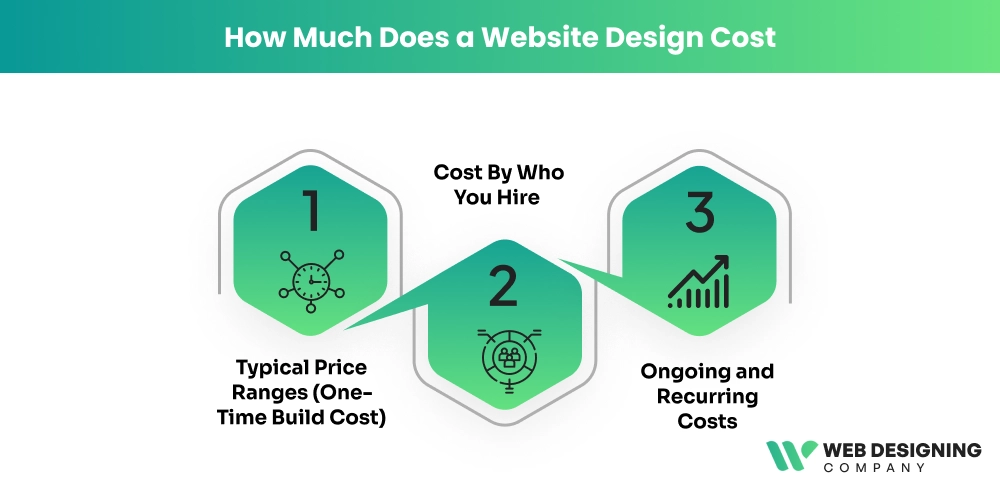
1. Typical Price Ranges (One-Time Build Cost)
| Type of Website | Typical Cost Range (One-Time) |
|---|---|
| Basic Personal or Small Business Site | $150 – $3,500+ |
| Standard Business Website | $2,000 – $15,000+ |
| E-commerce (WooCommerce) | $3,000 – $65,000+ |
| Mid / Large Enterprise Website | $10,000 – $150,000+ |
Basic DIY WordPress Website ($150 to $800)
To design a very basic website in WordPress, businesses usually use a pre-made theme and embellish it with minimal customization. Since it’s often DIY design, it typically costs them between $150 to $800.
Technically, such a low-budget, minimal WP website involves purchasing shared hosting, which may cost around $3-$10/month, registering a domain, installing WordPress via a one-click setup panel (cPanel or a managed host installer), and using a free or low-cost theme such as Astra.
Further, using Elementor (free version) to design a simple layout can help save on overall design cost. The features typically include:
- 3-5 pages (Home, About, Services, Contact)
- A basic contact form plugin
- Minimal SEO setup.
To design a basic WordPress website, there’s little to no custom coding; it’s just theme customization, typography adjustments, and content uploads. This approach fits well for freelancers, consultants, or personal brands launching their first online presence.
Small Business Website ( $500 - $2,500)
The cost of WordPress design slightly increases if you want to design a more professional, structured, and functional site. A small business website will typically include:
- 5-15 pages
- Lead generation forms
- Testimonial sections
- Blog setup,
- Analytics tracking
- Tightened security.
For example, a local law firm or marketing agency may design a conversion-focused homepage, service pages, and integrated booking forms.
While still built on WordPress, this version often includes a premium theme license, advanced customization using a page builder like Elementor Pro, and performance optimization. A small business website may have strong technical features like:
- Custom CSS styling,
- Speed optimization,
- Mobile responsiveness testing, and
- SEO plugin configuration.
While the cost may seem a little higher, it is worth investing in return for a professional-looking website with proper UX planning and branding alignment.
e-Commerce Website Using WooCommerce ($3,000-$15,000+)
WordPress allows businesses to build e-commerce websites. Since such sites are more complex due to the transactional functionality involved, these sites are higher in cost. E-commerce sites need secure payment processing (Stripe, PayPal), product database setup, tax configuration, and shipping integrations.
You can further customize an e-commerce website with SSL encryption, custom checkout optimization, membership logics, subscription systems, API integrations, and performance tuning for large product catalogs.
The overall cost spikes with custom UI design, scalability planning, and integration complexity.
Note: These estimations represent the initial cost to design and build a WordPress website. It doesn’t include yearly subscriptions or maintenance.
| Type of Website | Average Ongoing Cost (Yearly) |
|---|---|
| Basic Personal or Small Business Site | $500 – $1,500 |
| Medium Business Website | $1,500 – $10,000 |
| E-commerce Store | $1,500 – $15,000 |
| Large Enterprises | $5,000 – $50,000+ |
2. Cost By Who You Hire
WordPress website design cost also varies based on who designs your website – whether a freelancer, a web design agency, or your in-house team. Here’s the cost breakdown based on who you hire:
- Self-Build/In-house Team: $100 - $1,000 - you handle setup, hosting, templates, and basic plugins.
- Freelance Developer - $500 - $5,000
- Agency/Professional Team - $5,000 - $25,000+ - includes strategy, custom design, content, SEO, and launch support.
- Enterprise & Custom Projects - $25,000 - $150,000+ - advanced features, custom backends, integrations, large teams.
If you choose the DIY option, expenses are limited to hosting, a domain, and a premium theme or plugins. However, it requires your time and effort for setup, design, security configurations, and performance optimization.
The cost of WordPress design when you hire freelancers depends on their experience and the scope. This is an ideal option for startups or small businesses that need professional quality without agency-level pricing.
3. Ongoing and Recurring Costs
A website isn’t built in a day and requires continuous work. That’s because trends, demands, and markets keep evolving, and you need to keep updating your site to remain competitive. Ongoing costs typically cover:
- Technical updates
- Backups
- Security
- Support, and
- New Features.
These ongoing expenses add to your overall WP website design cost.
| Recurring Expense | Typical Cost Range (Yearly) |
|---|---|
| Hosting | $50 – $1,500 |
| Domain | $10 – $50 |
| Premium Theme | $0 – $120/year or one-time |
| Premium Plugins | $0 – $1,000+ |
| Site Maintenance | $500 – $12,000+ |
WordPress Design Cost Factors - DIY vs Agency Vs Agency
Here’s a clear comparison table showing common factors that affect the total price of a WordPress website, and how these costs vary when you do the design work yourself (DIY), hire a freelancer, or outsource to a web design agency.
| Cost Factor | DIY | Freelancer | Agency |
|---|---|---|---|
| Domain Name (Annual) | $10 – $15 | $10 – $15 (you pay) | $10 – $30 value (often included in package) |
| Hosting (Annual) | $36 – $120 (shared hosting) | $60 – $180 (managed setup) | $80 – $500+ (premium/managed) |
| SSL Certificate (Annual) | Free – $100 | Free – $100 (setup included) | $0 – $150 (usually included) |
| Theme / Design Template | Free – $100+ | $50 – $200 (setup / custom tweaks) | $200 – $2,000+ (custom design) |
| Plugins / Functionality | Free – $200+ | $50 – $300 (integration) | $200 – $1,000+ |
| Maintenance / Support (Annual) | $0 – $200 (self) | $200 – $800 | $800 – $3,000+ |
| SEO / Content Setup | $0 | $200 – $1,000 | $1,000 – $5,000+ |
| Security Enhancements | Free or $50+ (plugins) | $100 – $500 | $500 – $2,000+ |
Note: These costs are typical ranges based on common market pricing for small to medium WordPress sites. Actual costs vary by region, complexity, and provider.
WordPress.org Vs WordPress.com - The Cost Difference
A common confusion that arises when businesses choose WordPress as their website platform is whether to design their websites on WordPress.org or WordPress.com. Let’s first understand the basic difference between these two platforms.
WordPress.org
- A self-hosted platform version of WordPress
- Download and install on your own hosting
- Offers a complete design process as you can:
- Install any theme (free or premium)
- Custom code
- Full control over layout and functionality
WordPress.com
- Offers web design in a more limited, hosted way.
- A hosted platform means you don’t need to buy separate hosting.
- Easier to set up.
- Design freedom depends on your plan:
- Free & lower plans -> Limited themes and customization
- Higher plans (Business/ecommerce) -> Custom themes & plugins allowed.
WordPress.org Vs WordPress.com - Approximate Costs
WordPress.Org
- Hosting - ~ $3-~$30/month depending on provider
- Domain - ~$10-$15/year
- Premium themes/plugins (Optional) -~$30-$200+ each
- Total beginner site - Often $50-$300/year or more if advanced
WordPress.com Plans
- Free - $0 (limited features)
- Personal - ~$4/month (~$48/year)
- Premium - ~$8/month ((~$96/year)
- Business - ~~$25/month (~$300/year) - needed for most plugins or themes
- Commerce - ~$45/month (~$540/year) for full e-commerce
Are There Any Hidden WordPress Website Design Costs?
Yes! Many times, designing partners do not discuss certain upfront costs or might not be aware of them. Such costs surface later during growth, scaling, or troubleshooting, which might disturb the overall design budget of businesses.
Here are the most commonly overlooked WordPress Design Cost businesses must watch for before they plan their budget:
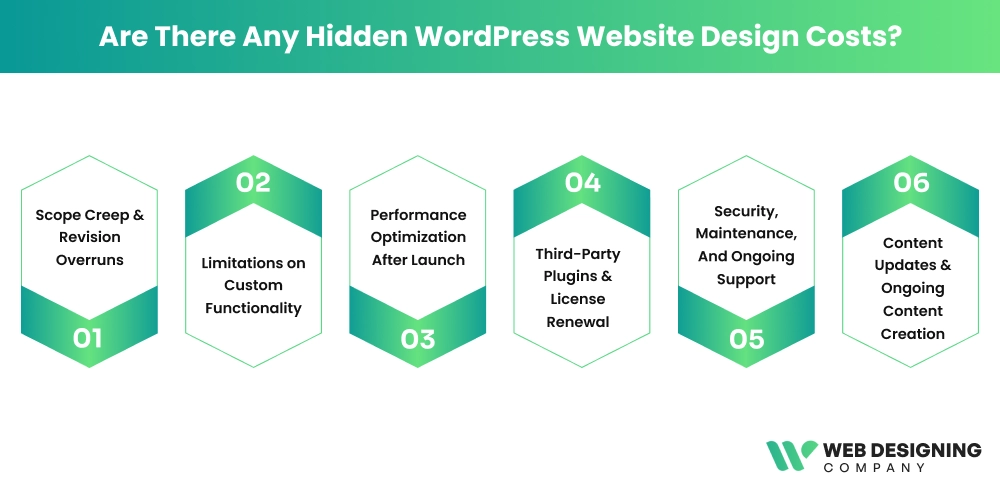
Scope Creep & Revision Overruns
Underestimated revision cycles are hidden costs that can significantly impact your WP design investment. Many agencies include a fixed number of design revisions in their proposal. Since website design is both a creative and technical project, changes like additional layout variations, refined visuals, new page templates, or post-approval tweaks are often unavoidable.
Since these extra refining rounds fall outside the agreed project scope, they are billed separately. The costs become “hidden” when clients assume flexibility is unlimited. It’s recommended to discuss upfront costs for revision limits and approval stages to avoid unwanted design expenses later.
Limitations on Custom Functionality
Many websites are created around the current design needs only. The layouts, templates, and user flows are designed as a simple-brochure style without considering future expansion. But when a business wants to later add features like advanced forms, dashboards, membership areas, etc., the original design may not support the edits properly. This leads to partial redesign work, which raises costs that were never expected in the beginning.
Performance Optimization After Launch
Many WordPress websites look good at launch, but are not fully optimized for speed. As traffic increases, slow loading times, uncompressed images, bloated themes, and excessive plugins can hurt user experience and SEO rankings. Ongoing performance tuning, caching configuration, database cleanup, and reliable hosting upgrades play a key role. However, all of this adds up to the overall WP design budget.
Third-Party Plugins & License Renewal
Many WordPress websites rely on premium plugins for features like page builders, SEO, security, backups, or e-commerce. While the initial design quote may include setup, most premium plugins require annual license renewals. If these licenses expire, updates and security patches stop, creating risks. Over time, renewing multiple tools can quietly increase operational costs. To avoid this, businesses should discuss in advance which licenses are recurring and who is responsible for paying them.
Security, Maintenance, And Ongoing Support
Launching a website isn’t the end of the investment. WordPress sites require regular updates, security monitoring, backups, and occasional bug fixes. If you don’t maintain or update your website, it becomes vulnerable to hacks, malware, or performance issues. Many agencies offer maintenance plans, but these are often not included in the initial design cost. Ignoring this ongoing need can result in emergency repairs later.
Content Updates & Ongoing Content Creation
It’s often assumed that once the website is live, minimal content changes are required. In reality, updating service pages, adding blog posts, uploading new images, revising team profiles, or publishing case studies becomes an ongoing task. If the internal team lacks time or technical knowledge, agencies are hired at hourly rates. Over time, these small content changes accumulate into a noticeable recurring expense.
The Final Say
WordPress seems to have been in the race for a long time. And it’s good for businesses wanting to build competitive websites for their brand. However, to make the most of this amazing CMS platform, budgeting for your WordPress site design project is significant. While a DIY or a freelancer can help you save a lot, you’ll miss out on expertise, which can cost you even more later. Hence, research well, understand your goals first, and then make the right choice to plan your website design budget.
And if you need a reliable and cost-effective WordPress web design agency, Web Designing Company is right here to help! From start to finish, we’ll plan each and every step of the process and ensure you invest genuinely. Let’s connect to discuss your project!