

Coming from a non-technical background and unsure how to manage your website’s digital content? Well, CMS software handles everything for you. It is a one-stop shop for editing, storing data, and managing your content through one platform.
Knowing about the CMS can ease your life. Whether you are a beginner or a pro, our blog has A to Z information.
What's the content management system(CMS)?
A content management system, or CMS, is software that helps website owners manage their content without touching any code. It makes it easy to create, edit, store, and publish content on websites and other platforms. Because of its user-friendly interface, even people without a technical background can seamlessly use it.
Not only can you store text, images, videos, and documents, but you can also use ready-made templates and editing tools to make changes quickly. At the same time, multiple users can collaborate so that an author can upload content, and an editor can review or update it seamlessly. This feature saves both time and money, while giving you the flexibility to customize your website according to your brand.
Besides managing content, a good CMS also helps you make smarter decisions about your website’s growth, maintenance, and performance. Some popular CMS platforms that many businesses use include WordPress, Joomla, and Shopify.
Are CMS and DAM the same?
No, they’re not the same, but they complement each other well. A CMS helps you create, update, and manage the content that appears on your website. On the other hand, a DAM (Digital Asset Management) system focuses on storing, organizing, and sharing your digital assets across different channels. These assets can be images, videos, audio files, documents, or any other media your team uses. When both systems work side by side, your content stays organized, consistent, and easier to publish anywhere you need.
How does CMS Software work?
Before using a CMS, it’s important to understand how the system actually works. So let’s take a quick deep dive. A website that’s managed manually requires the individual or team to write HTML code from scratch and upload each page to the server. It’s technical, time-consuming, and pulls valuable resources away from the organization.
To simplify all this, a CMS reduces the workload and makes content management far easier. The system is already structured with both a backend and a frontend. These two layers are handled by professionals. The frontend is the part users interact with. HTML, CSS, and JavaScript come together to create clean, styled visuals.
The backend is the server-side environment that manages the database, application logic, and overall functionality. It quietly works behind the scenes to power the frontend. Since a CMS handles both, users don’t need to learn coding. They can upload, edit, and manage content more straightforwardly. This setup offers smooth, user-friendly features that enhance the entire web content experience.
There’s also another key partner that supports a CMS: the API (Application Programming Interface). How does it help? An API allows the CMS to connect across multiple platforms. It enables apps, phones, or websites to pull content directly from the CMS, making the software more flexible and powerful for any business.
Features of CMS that make it user-friendly?
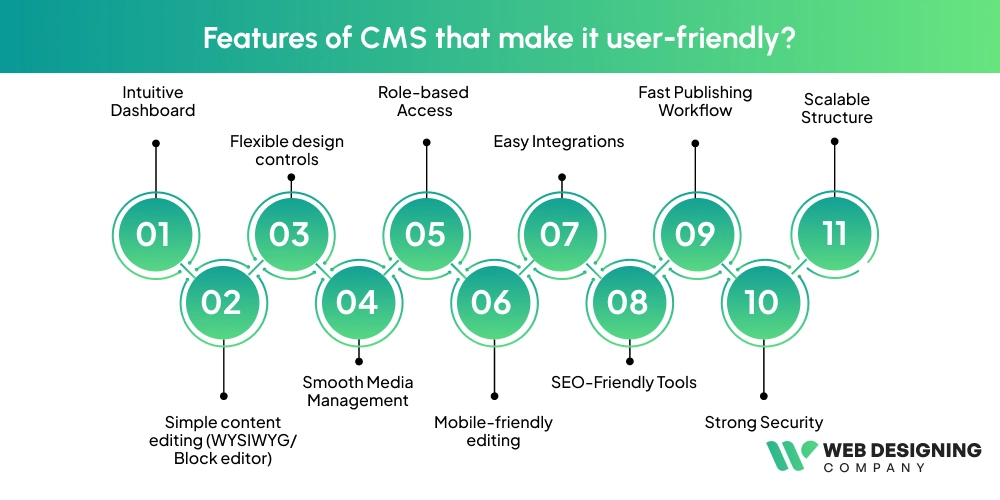
Although not all websites need CMS software, the websites that need daily content updation, CMS is a game-changer them. Its seamless functionality allows users to update the content without having technical knowledge. Numerous functionalities make the CMS user-friendly. Here you can check out the features:
Intuitive Dashboard
The CMS dashboard is clean and designed so simply that any user can understand it within a minute. Everything, such as pages, posts, and media, is easily accessible, so you don’t need to hunt around.
Simple content editing (WYSIWYG/Block editor)
The CMS software lets you edit the content to the way it looks on the final page. It allows you to drag and drop blocks, format easily, and get a quick preview for easy content uploading.
Flexible design controls
The software allows customized layouts, colors, and elements without touching HTML and CSS. Also, numerous templates, visual builders, and theme controls make the site look good with less effort.
Smooth Media Management
When it comes to uploading photos, videos, and files, it’s a piece of cake for beginners. CMS software has a helpful media library that allows you to search, sort, and edit files, which saves a lot of time.
Role-based Access
This system allows you to add your team members and provide them access. For example, admin, editor, or writer, so everyone can work safely.
Mobile-friendly editing
Thinking only you can use the CMS on the desktop? Well, it’s mobile and tablet-friendly. You can update your website anytime and anywhere.
Easy Integrations
CMS software not only makes your task easy but also connects smoothly with tools like email marketing, analytics, social media, and CRM platforms without needing extra steps.
SEO-Friendly Tools
This software, with the integration of SEO tools, helps make your website visible across search engines. It guides you with meta descriptions, titles, URL settings, and readability tips so you can improve your ranking without being an SEO expert.
Fast Publishing Workflow
Publishing your own content is no rocket science. You just follow this simple process: create, edit, review, approve, then publish your content. It is quick and clear. With this, the streamlined workflow keeps teams proactive and working faster.
Strong Security
A good CMS protects your website with features like automatic backups, updates, and permission controls without making things too complicated.
Scalable Structure
Whether you’re running a small blog or a big website, the CMS software can easily handle more pages, posts, and features as you grow.
Explore CMS platform: Examples
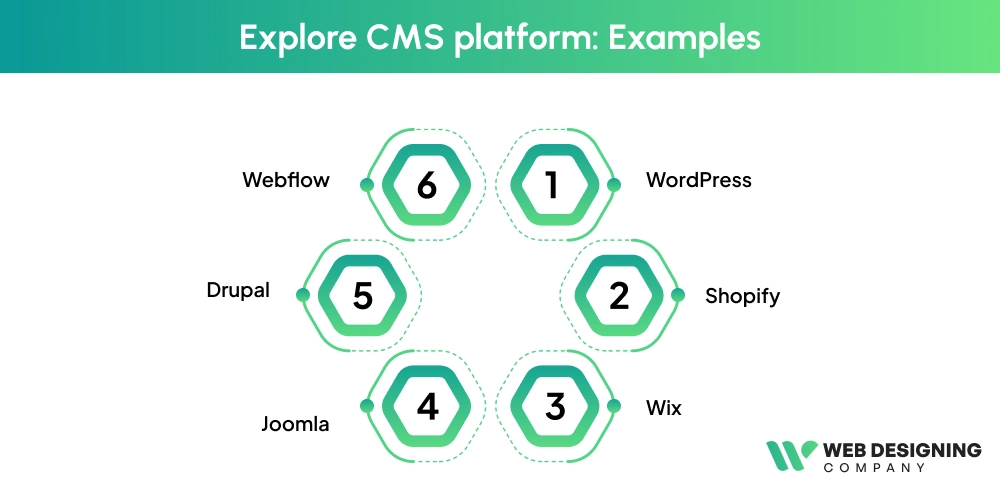
Thinking that a Content Management System is just a tool, then you are probably wrong. It’s an engine that keeps yur website running without forcing you to write code. Here you can check out the well-known examples of CMS that people are using every day:
1. WordPress
This is the most popular CMS in the world. From personal blogs to big business sites, WordPress handles it all. Its plugins and themes make it feel like a toolbox where you always find the right tool when you need it.
2. Shopify
If your goal is to run an online store, Shopify is the go-to choice. It takes the heavy lifting out of eCommerce, letting you add products, manage orders, and design your store with ease.
3. Wix
Wix is perfect for beginners. With its drag-and-drop builder, creating a website feels as simple as arranging pieces of a puzzle. No technical headaches, no complicated setup.
4. Joomla
Joomla sits in the middle, more flexible than beginner tools but still easier to learn than advanced systems. It’s a good choice when you want more control without going “all in” on complex development.
5. Drupal
Drupal is the powerhouse. Large organizations and government sites use it because it’s secure, stable, and built to handle huge amounts of content. It’s not as simple as WordPress, but when you need strength, it delivers.
6. Webflow
Webflow blends design freedom with CMS features. It’s loved by designers because it feels like painting a website on a digital canvas while still handling content in the background.
How to Choose a CMS Platform?
Unsure which CMS platform is the best fit for your business? It’s completely normal to feel confused when so many options look similar up front. Every CMS has its own strengths. The key is knowing what matters for your website and how each platform supports those needs. Here are the major factors you should look at before choosing your CMS:
Publishing control: Check if the CMS lets you manage user roles, approvals, and scheduling. This keeps your content process smooth and organized.
Content editing tools: The editor should be clean and easy to use, even for non-technical team members. A friendly interface saves time and reduces errors.
Content staging: A useful CMS gives you a staging area where you can test and preview changes before they go live. It helps avoid unexpected issues on the live site.
Analytics: Look for built-in analytics or the ability to connect with tools like Google Analytics. This helps you understand audience behavior and content performance.
SEO-friendly features: Choose a CMS that supports meta tags, clean URLs, and structured content. These features directly impact your search visibility.
Integrations: A flexible CMS should connect easily with your CRM, email tools, marketing apps, and plugins you rely on for daily operations.
Security features: Make sure it offers strong security controls, regular updates, and reliable data protection.
Scalability: As your business grows, your CMS should handle more pages, traffic, and users without slowing down.
Cost and maintenance: Consider the long-term expenses, including hosting, plugins, and support. Sometimes a “free” CMS ends up costing more if it needs constant maintenance.
Is CMS A Secure Platform?
A CMS is generally a secure platform when it’s set up and maintained properly. Modern CMS tools come with built-in security features that protect websites from common threats, so hackers can’t easily break in. They offer user permissions, regular updates, encrypted connections, and strong authentication options to keep your data safe.
However, security also depends on how the organization manages it. If they can use updated plugins, strong passwords, and routine monitoring, it will shield their website from unwelcome guests. When everything works together, a CMS provides a reliable and safe environment for managing your website content.
What are the benefits of the CMS?
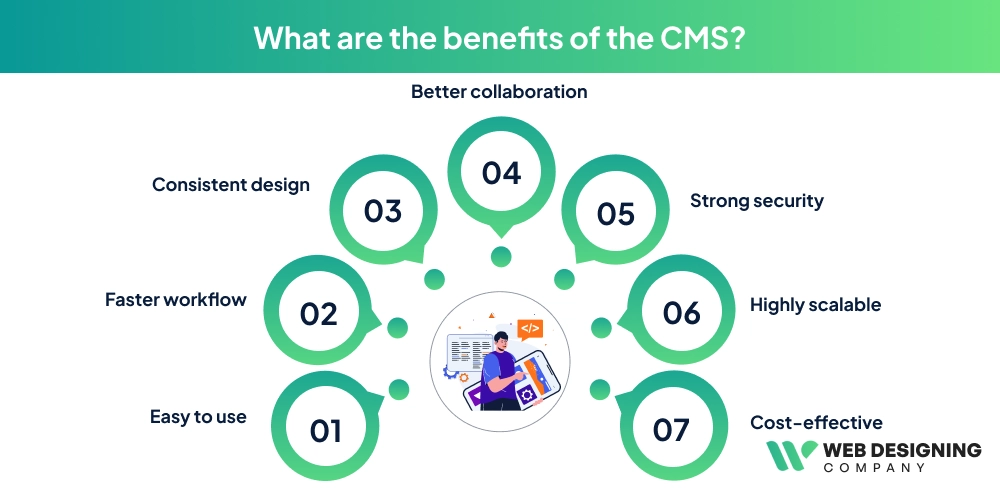
Easy to use
A CMS keeps things simple for everyone. You don’t need any coding knowledge to create, edit, or publish content. Everything runs through a clean dashboard, so even a non-technical team member can manage updates confidently.
Faster workflow
It speeds up the entire content process. Teams can update pages, publish blogs, or fix issues without waiting for a developer. This reduces delays and helps you keep your website fresh and active.
Consistent design
A CMS maintains the same look and structure across your website. Templates and layouts ensure your branding stays uniform, so every page feels polished and professional.
Better collaboration
Multiple users can work together without stepping on each other’s toes. You can assign roles, set permissions, and manage who can edit or publish. This keeps the workflow organized and avoids accidental changes.
Strong security
Modern CMS platforms offer regular updates, built-in security tools, and constant monitoring features. These protections help reduce risks and keep your website safer from common threats.
Highly scalable
As your business grows, your CMS grows with you. You can add new pages, integrate advanced tools, or expand features without rebuilding the entire site.
Cost-effective
CMS lowers long-term costs by reducing the reliance on developers for everyday tasks. Your team can handle most updates on their own, which saves both time and budget.
Final Thoughts!
No matter whether you are a small business owner or a big enterprise, a beginner or a seasoned player, CMS is an all-in-one solution. It is helpful for everyone as its effortless features don’t need coding experience. You just buy the domain, choose your platform, and here you go to live your services. Also, you can use plugins for better results.
If you are looking for experts who can watch out for your content process and want to customize designs, then the web design company is here to help you. We have experienced designers who make your website as per your vision. Our team always keeps you in the loop, so everything is styled as per your vision.
What are you waiting for? Partner with our Web Designing Company and see your business succeed with our SEO-friendly design.